 Honeypod
Customisation
Honeypod looks like your business.
Drop in your logo, apply the colour. The whole app follows, down to corner radius, font and theme. Four made-up businesses show what changes.
Belongs to the business
Travels with it to every computer.
Switch businesses and all of this switches too.
- Brand colour
- Logo
- Corner radius
- Font
- Templates
- Theme as a file
Applies to your computer
You set it where you sit.
The business is not affected.
- Light and dark
- Font size
- Density
- Let the desktop show through
- Higher contrast
- Reduce motion
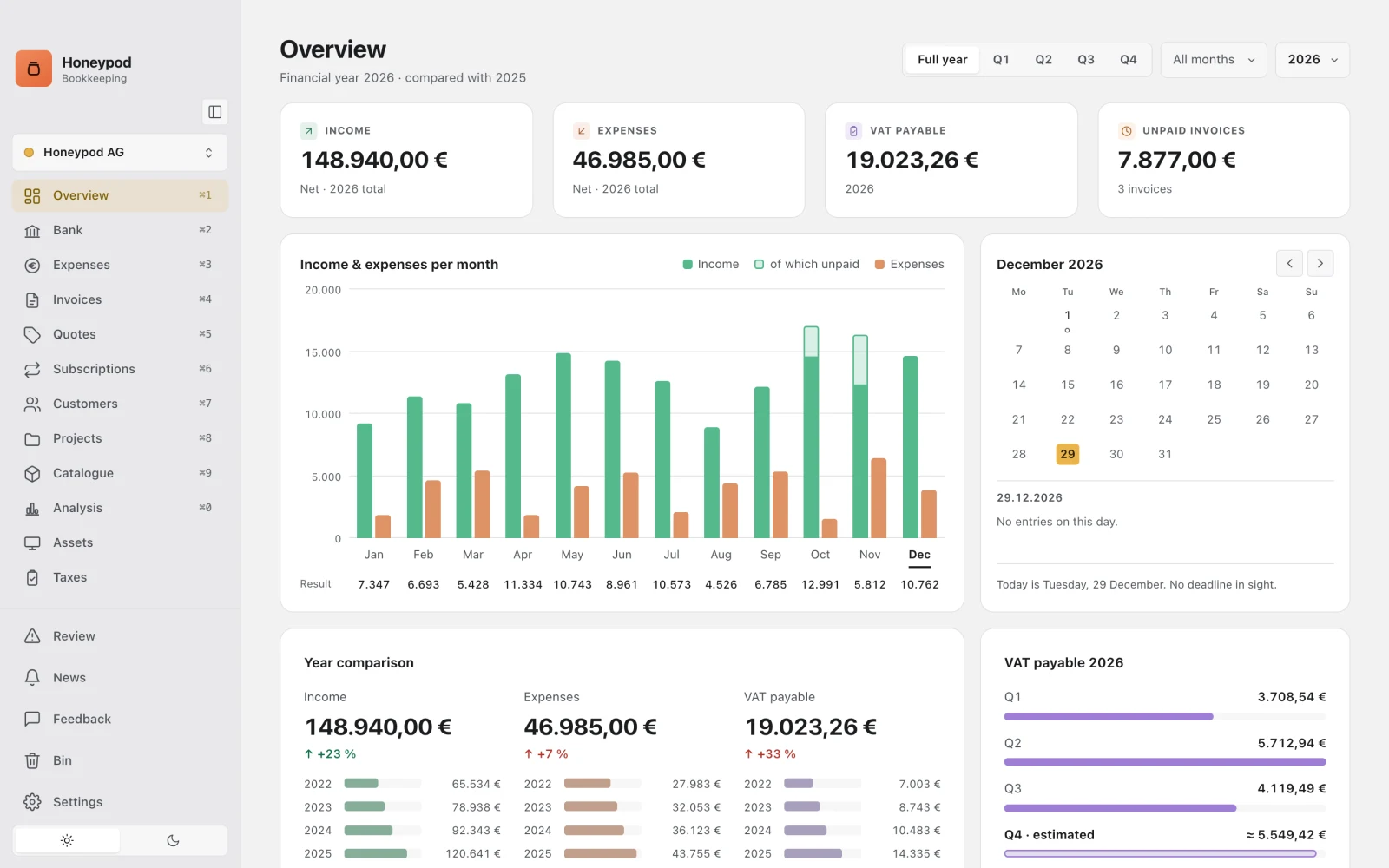
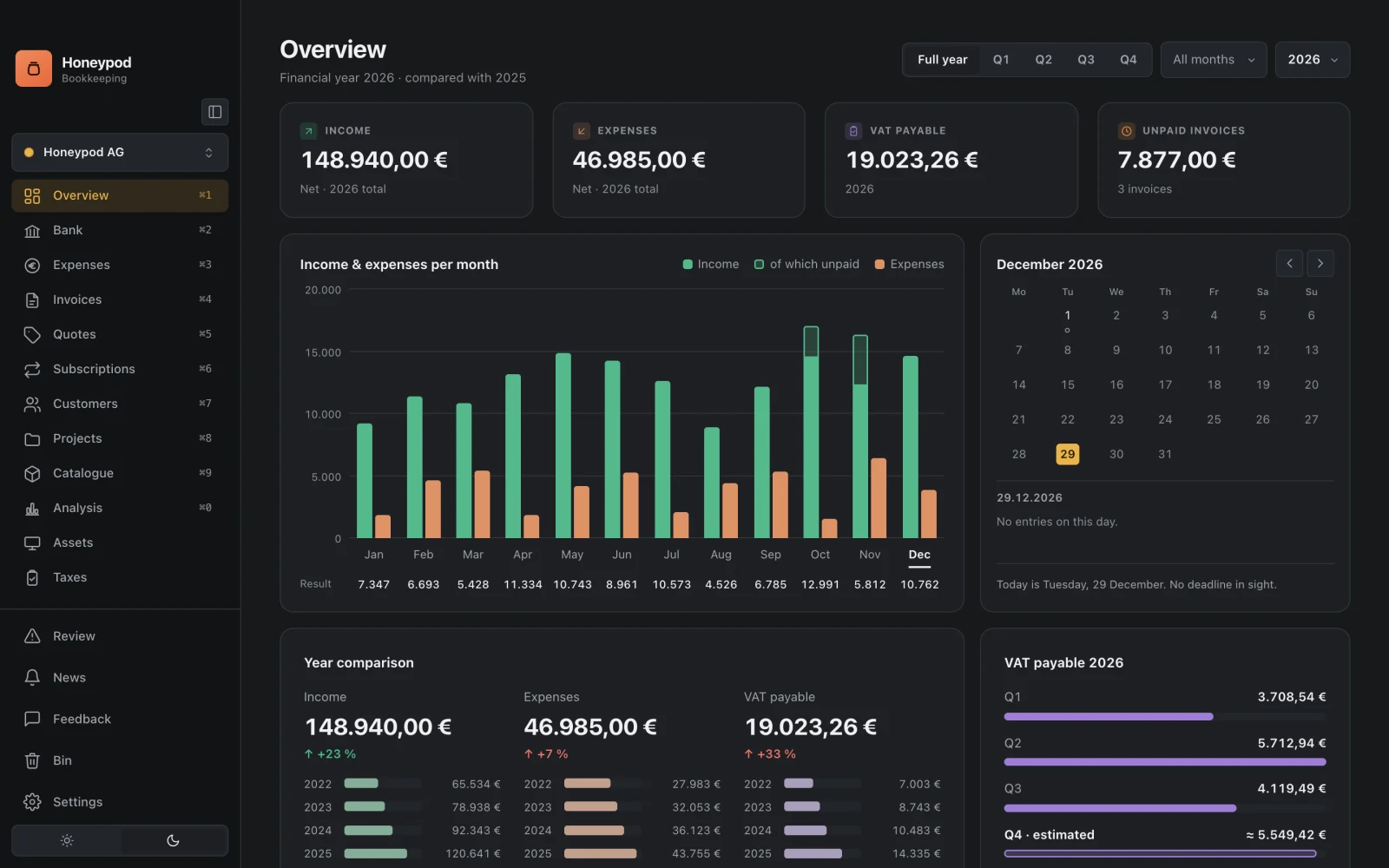
Light and dark
Light by day, dark at night. Or the other way round.
Honeypod switches the theme with one click at the bottom of the sidebar. Both themes are tuned with equal care. Your brand colour keeps its contrast in each.
Templates
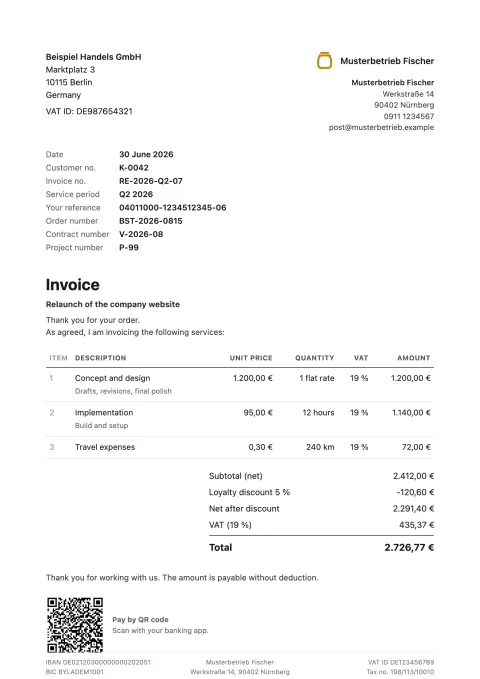
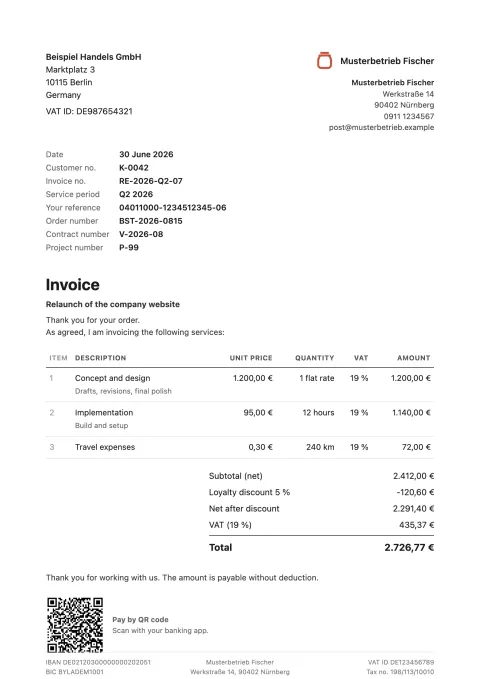
Nine templates, each in your colour.
From till receipt to terminal, for invoices, quotes and credit notes. If none fits, you duplicate one and rework it in the editor, right down to the code. One click shows each one at full size.
Standard 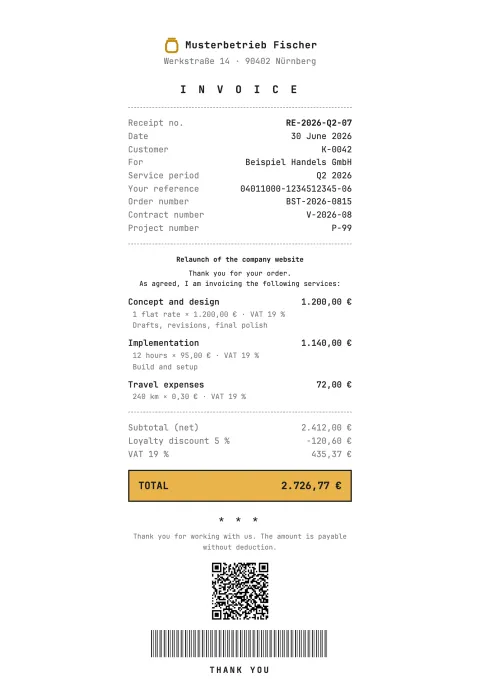
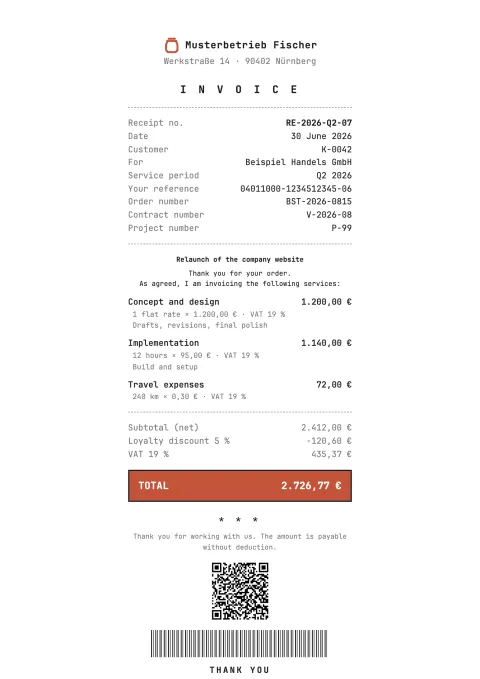
Receipt 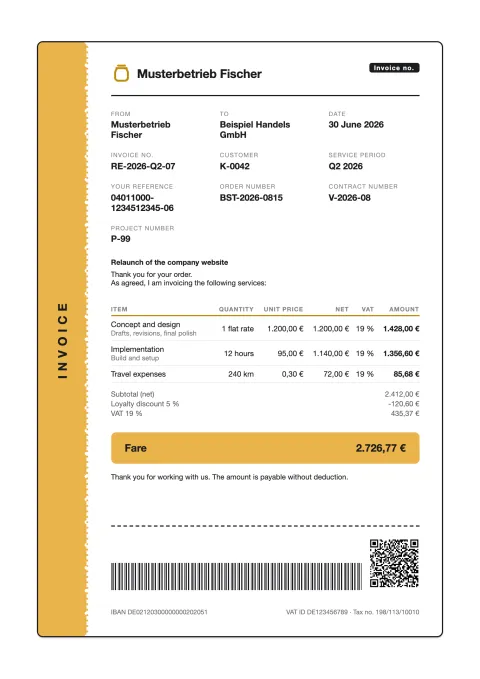
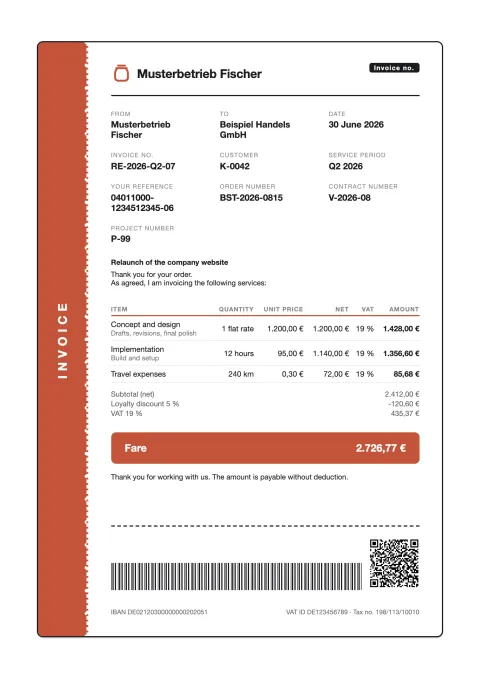
Ticket 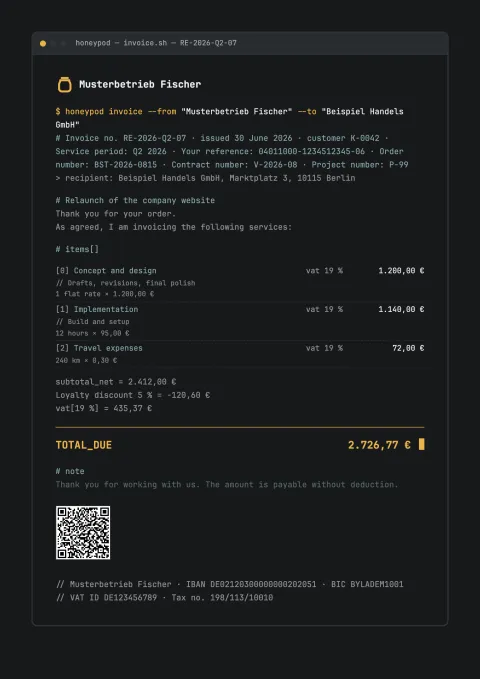
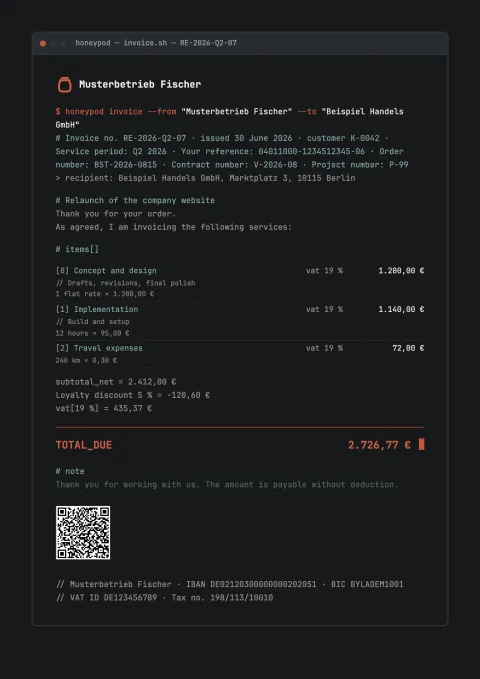
Terminal 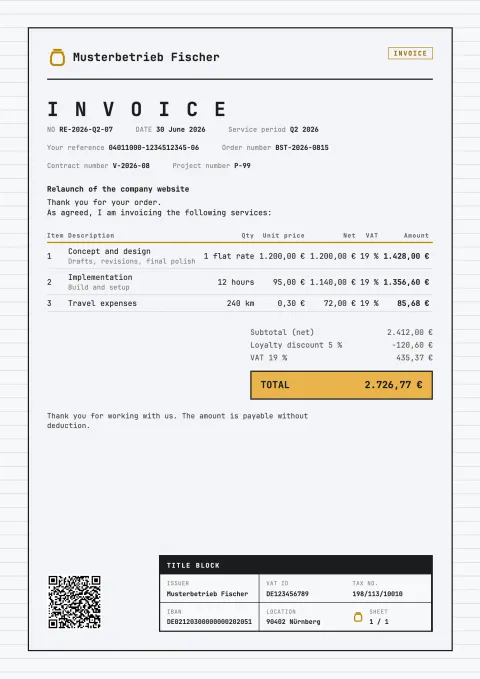
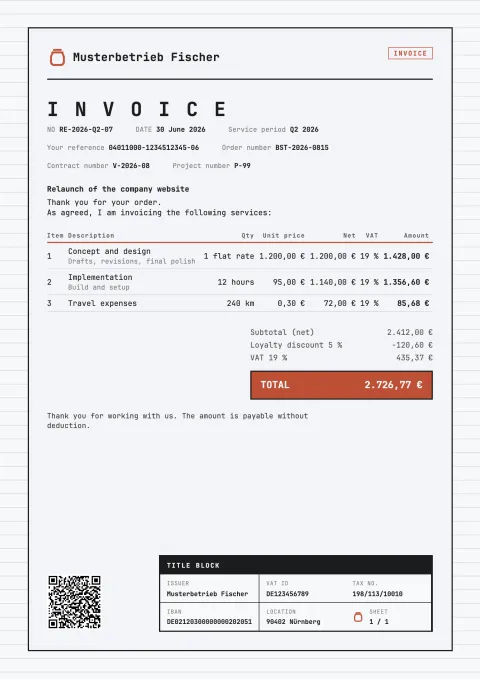
Blueprint 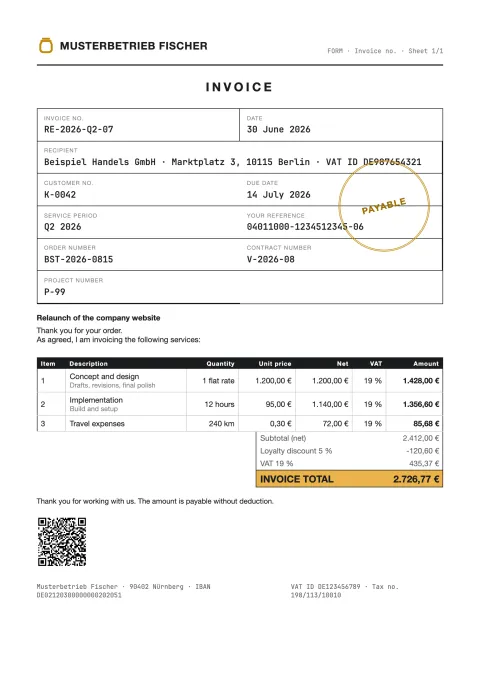
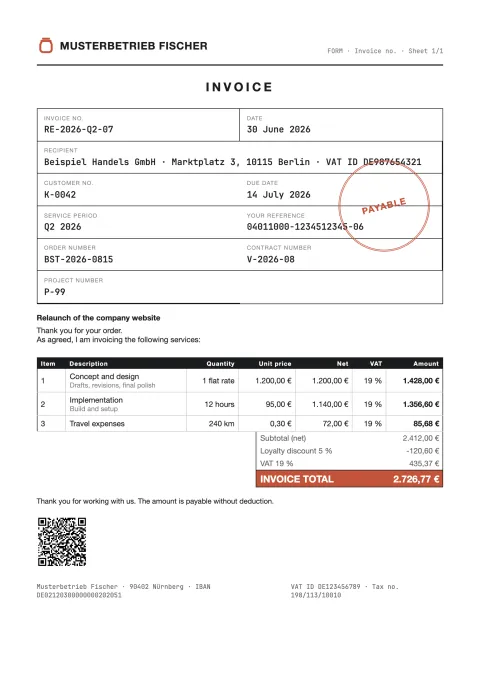
Form 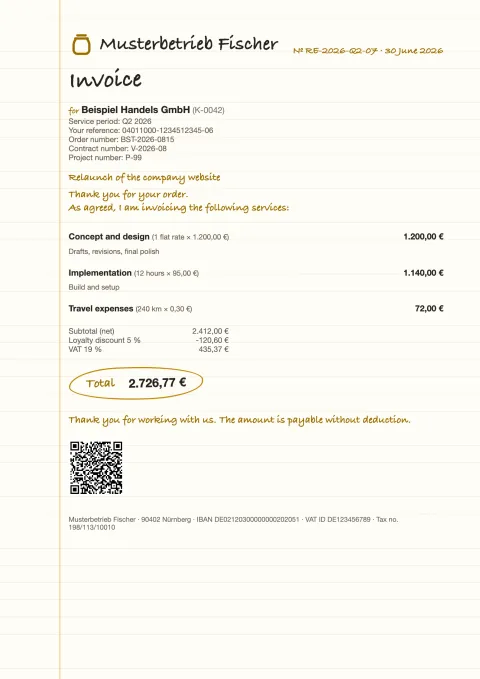
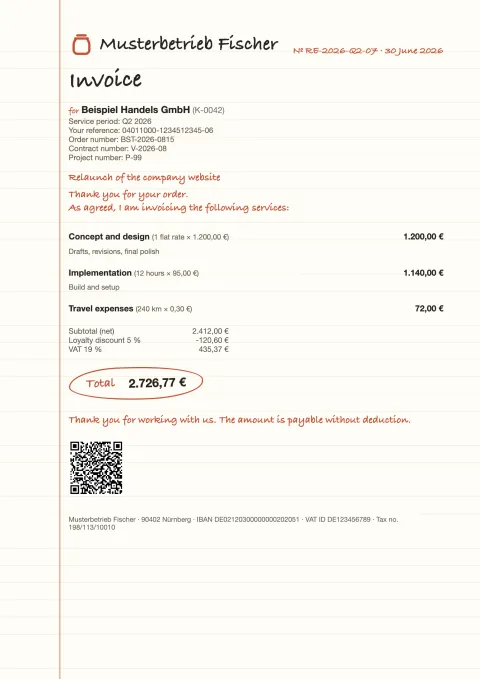
Note 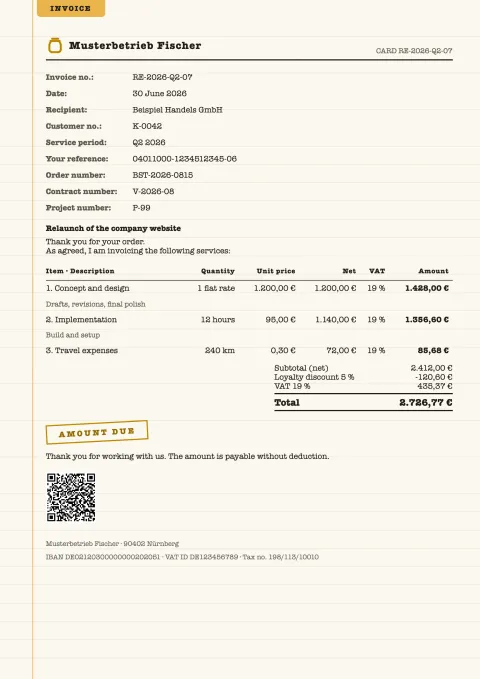
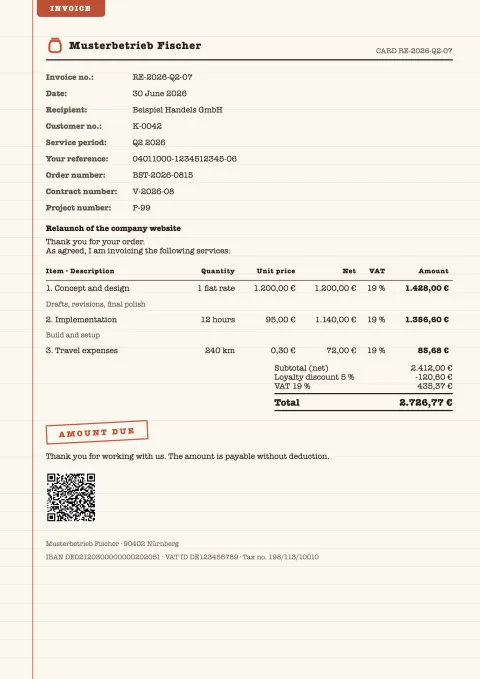
Index card 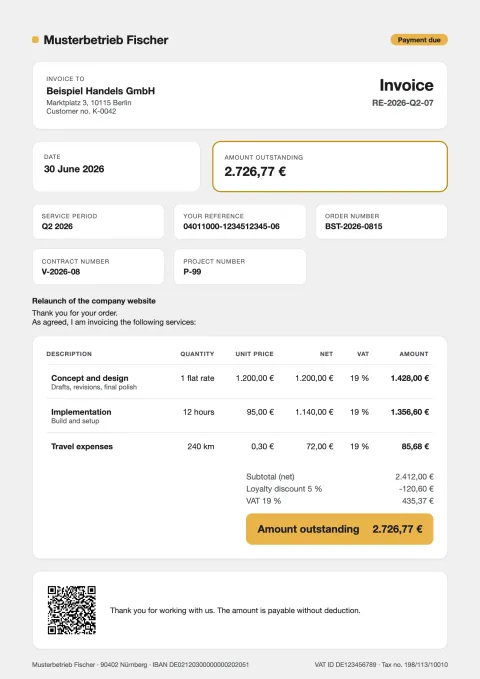
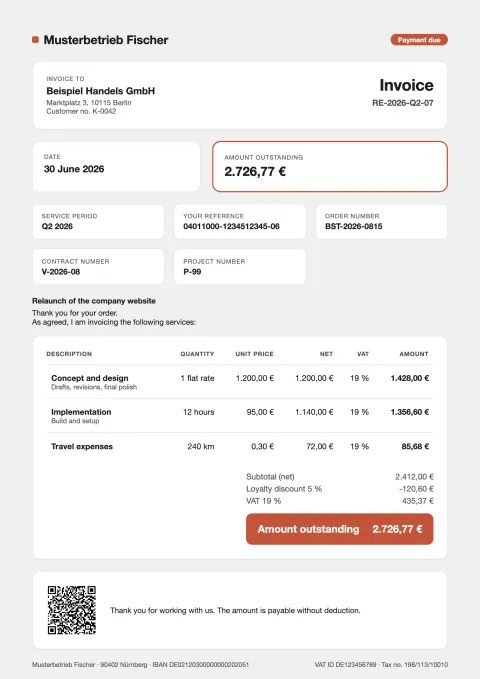
Dashboard


In the editor
- Your own template in HTML, with 44 placeholders for the document’s details
- The preview follows as you type, an error in the code shows up immediately
- A separate version each for invoice and quote
- Font per text type for title, text and description, also from your own font file
- A colour palette with two accents, text, background and lines
Legibility
Legible in every colour.
In every colour, text stands out from its background with a contrast of at least 4.5 to 1. That is what accessibility guidelines require. Where a colour is too pale for that, Honeypod adjusts the contrast. Tested across 8,784 colours.


Several businesses
Several ventures, one program.
Each business carries its own colour in the switcher and its own appearance. A switch changes everything at once. You see right away where you are.


Questions from the beta
What testers have asked.
Can I use my own font?
Yes. Every template accepts a font file (TTF, OTF, WOFF or WOFF2). For the interface you can choose any font installed on your computer.