Skip to content
Honeypod
DE
Request beta

Data control

No account.
No server.
No outside hands.

Your books live on your computer. Laptop and office computer sync through a folder that belongs to you. No Honeypod server is involved.

Each computer writes only to its own subfolder and reads those of the others.

On your computer

A file that belongs to you.

Invoices, bank transactions and customer data are kept in a file on your computer, the receipts in folders of your choice. There is no account with us and no server that stores, looks at or analyses your figures. What you note about your customers stays with you, not with a third-party service.

Each business in its own file
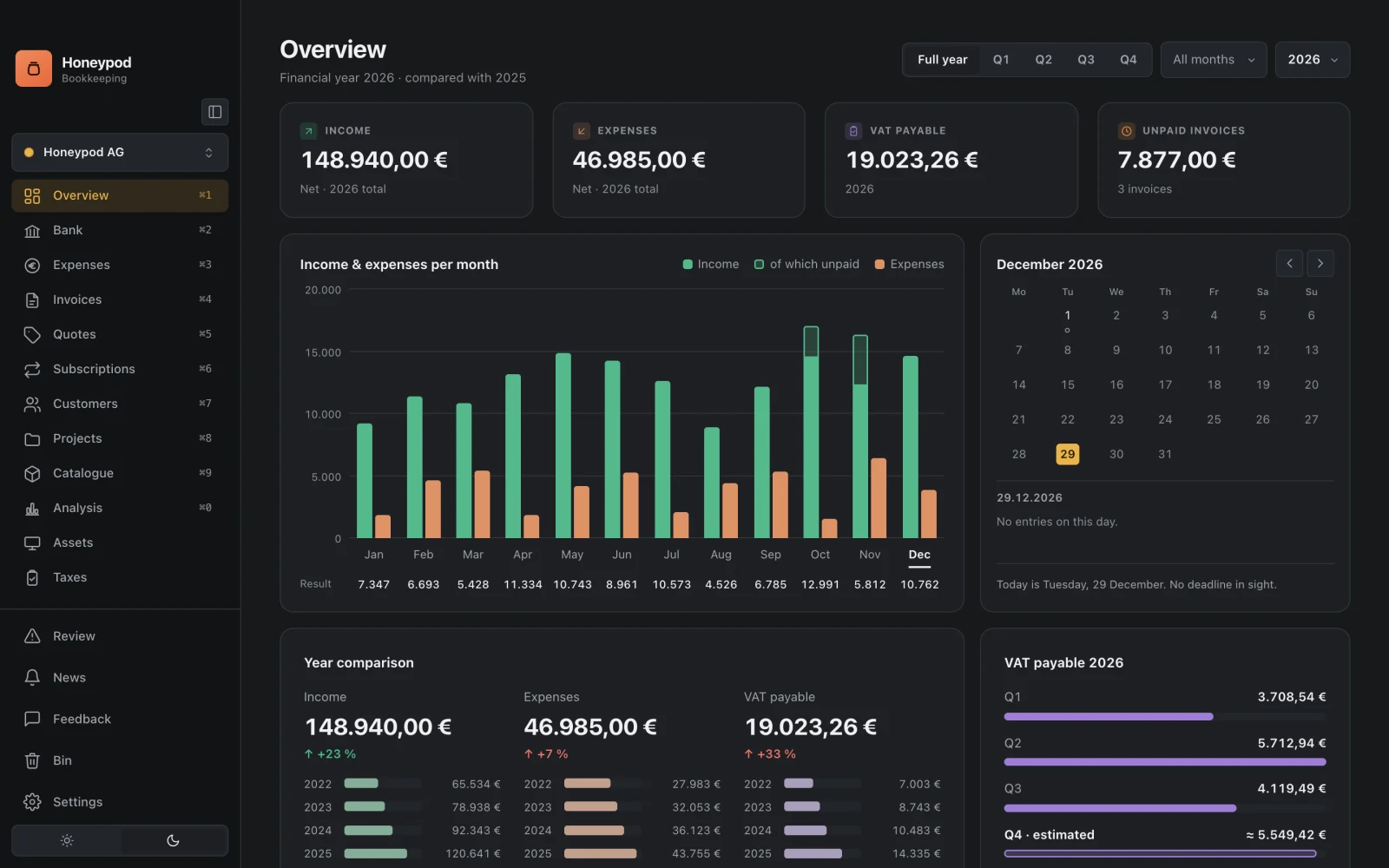
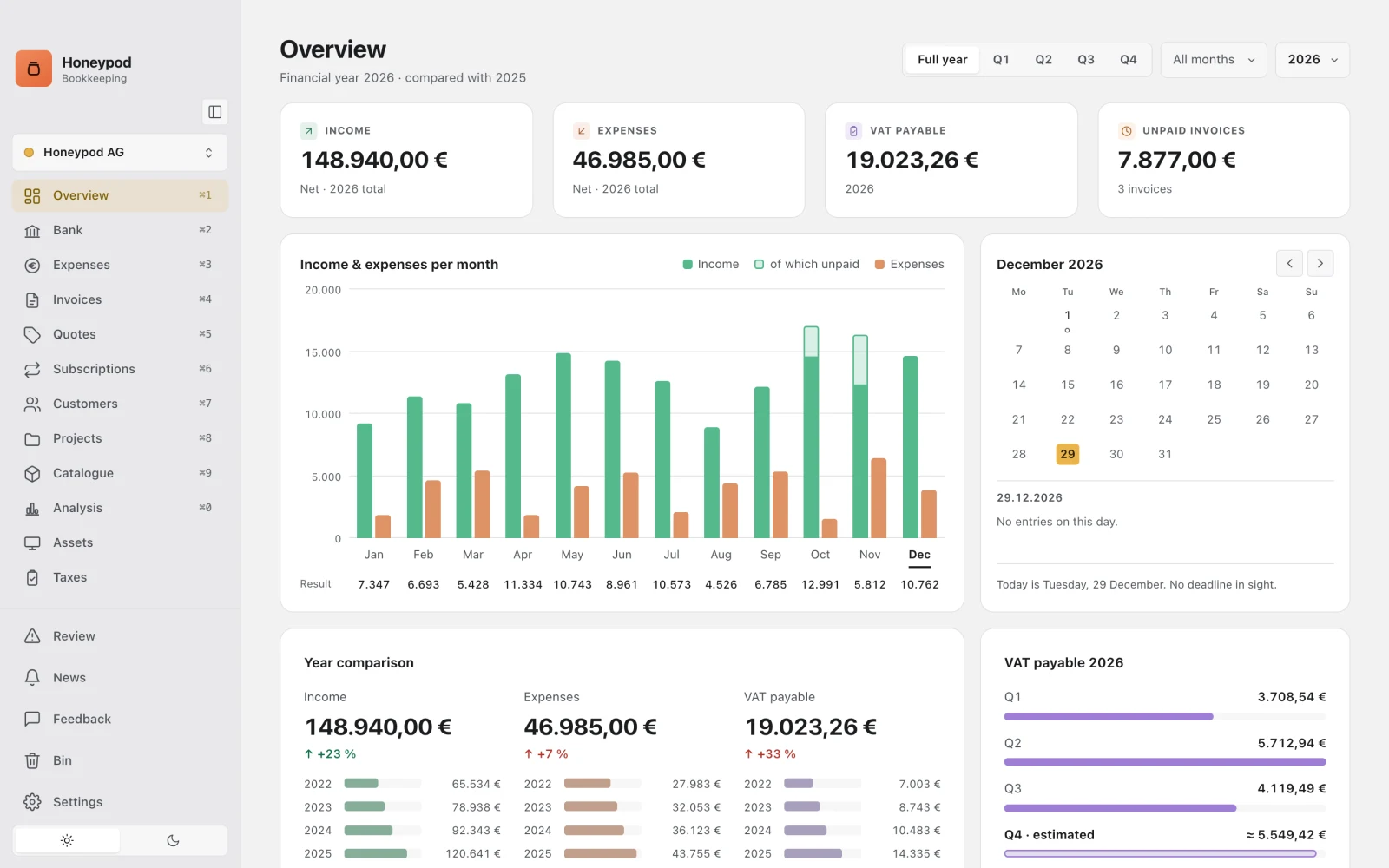
The overview of a year in Honeypod with the sample data: Income, expenses, VAT payable and unpaid invoices, below them the months and the calendar. The overview of a year in Honeypod with the sample data: Income, expenses, VAT payable and unpaid invoices, below them the months and the calendar.

Sync

A folder, not a service.

Honeypod syncs through an ordinary folder that syncs itself. It can be in Nextcloud, iCloud Drive, Dropbox, Google Drive or Microsoft OneDrive, on your own server or on a USB stick. It does not hold your database, only small messages about changes.

Up to three computers per business

Sync folderas it sits on the disk

  • Honeypod-Daten
    • Bitte lesen.txt
    • 3f2b8c1e…The laptop’s log

      000001.jsonl · 000002.jsonl

    • a91d07c4…The office computer’s log

      000001.jsonl

    • Gerätewho is working right now
  • Belegeshared, if the receipt archive is here

Field by field

Two changes, both stay.

Each computer keeps its own log and never writes to anyone else’s. The others take every change from it, field by field. Only where two computers have changed the same field does the later change apply. A deletion wins.

Honeypod keeps track of when something happened with its own clock. A computer whose system clock is wrong cannot outvote the others.

Offline

Offline is the normal case.

Without a connection you simply keep working. The folder catches up as soon as it is connected. Syncing takes one click. If another computer is working in the same business right now, Honeypod tells you before delicate steps.

Encrypted

The provider only sees packages.

Whatever passes through your cloud is encrypted. Whoever runs the folder only sees packages they cannot read.

What’s more

Direct routes

From your computer straight to the destination.

The provisional VAT return (Umsatzsteuer-Voranmeldung) goes to ELSTER with your certificate, invoices go out through your own outgoing mail server. Bank transactions come in through an access you set up yourself.

Keychain

No password in plain text.

The passwords for sending email and for the invoice inbox are stored in your computer’s keychain. Honeypod does not store the ELSTER PIN at all.

This website

No cookies.

The server counts visits itself, without a script in the browser and without storing your IP address. There are no fonts or scripts from third-party servers, so there is no consent banner either.

Questions from the beta

What testers have asked.

Where is my data stored?

In a file on your computer. There is no account with us. Honeypod talks to honeypod.io for the licence, updates and news. What is transmitted is set out in the privacy policy. An error report only goes out if you send it. Bank retrieval, invoice inbox, ELSTER and sync only work if you set them up.

Can I work on two computers?

Yes. Syncing runs through a folder that syncs itself, whether with a cloud service, on your own server or on a USB stick. Each computer writes only to its own area, none overwrites another.

Next

Customisation Colour, logo, corner radius, font, templates and several businesses.
Request beta